
2 min read

Trimble Business Center Version 2025.10: What You Need to Know...

tbc-version-2025.10
Trimble Business Center Version 2025.10: What You Need to Know...
3:04

Hey everyone, Jacob here. After spending the past few weeks diving deep into Trimble Business Center 2025.10, I'm excited to share what this release means for your daily workflows. As someone who fields your technical questions every day, I know exactly which features will make your life easier....

The Standout Features That Matter Most

  • Connected Workspace Gets a Complete Makeover Remember those frustrating multi-step workflows when sharing data between TBC and Trimble Access? That's history. The redesigned Connected Workspace interface makes data exchange feel effortless. I've watched clients cut their upload times in half just by using the streamlined interface.
  • Full Geometry Roundtrip Support This is huge, folks. You can now exchange lines, polylines, and polygons—complete with attributes—between TBC and Trimble Access via JXL files. Your field crews can edit GIS features on-site, and everything syncs back perfectly. No more data loss, no more headaches.
  • Point Cloud Classification on Steroids The enhanced classification now accurately identifies cantilever signs, sign bridges, and dual-post signs. Plus, it runs 50% faster for sign extraction. For our DOT clients processing miles of corridor data, this translates to days saved on every project.
  • Capture Outline: From Scan to Plan in Seconds Need floor plans from your scan data? The new Capture Outline command automatically connects measured points or point cloud data to create room geometry. I've seen surveyors create complete building layouts in minutes instead of hours.

The Real Impact

Last week, I helped a client who was struggling with pavement inspection workflows. With the new PCI vector export feature, they now send inspection results directly to their GIS team—no more manual data entry. The ability to assign treatment types and export only the segments needing repair has transformed their municipal maintenance program.

Pro Tips from the Support Desk

  1. Before upgrading: Ensure your warranty or subscription is current through July 1, 2025
  2. Graphics drivers matter: Update them before working with the enhanced point cloud features
  3. Coordinate systems: Check out the new Grid Factory integration—it's a game-changer for custom coordinate systems

The Bottom Line

TBC 2025.10 isn't just an incremental update—it's a workflow revolution. From the moment you import field data to the final deliverable, every step is faster and more intuitive.

Have questions about upgrading or need help with specific features? Contact me, here. I'm here to ensure you get the most out of this powerful release.

Ready to transform your workflows? Contact your AllTerra Central representative to upgrade today.


Jacob Colvin has been helping surveyors and geospatial professionals optimize their workflows for over 10 years. When he's not exploring new TBC features, you'll find him teaching advanced techniques at AllTerra Academy.

Top 5 Reasons Why Survey Equipment Rentals Boost Profits in 2025

Top 5 Reasons Why Survey Equipment Rentals Boost Profits in 2025

Discover 5 proven ways surveying equipment rentals boost profits. Learn how to maximize ROI while accessing cutting-edge geospatial technology.
Read More
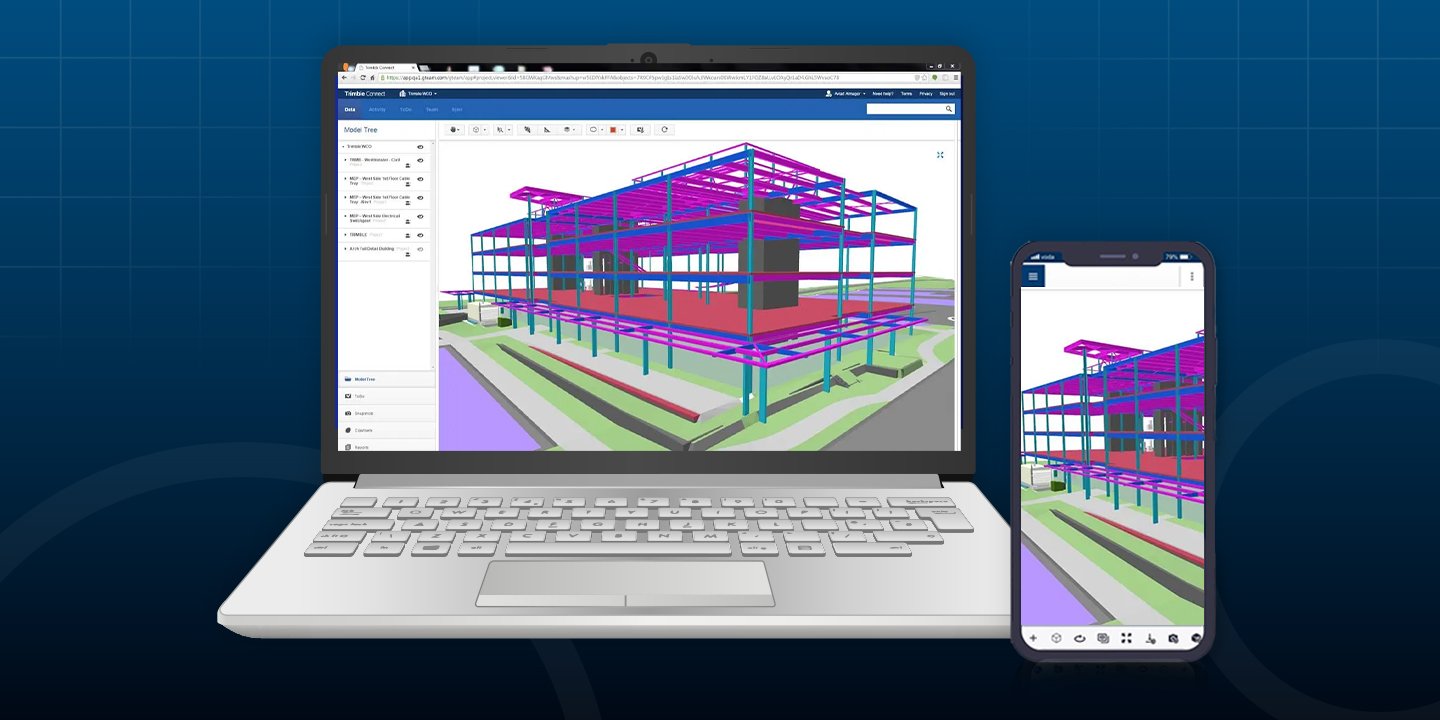
The Hidden Cost of Disconnected Workflows in 2025: How Surveyors Lose Time, Money, Sanity

The Hidden Cost of Disconnected Workflows in 2025: How Surveyors Lose Time, Money, Sanity

Discover how disconnected workflows cost surveyors time and money. Learn how Trimble Connect eliminates data silos, prevents rework, & boosts...

Read More
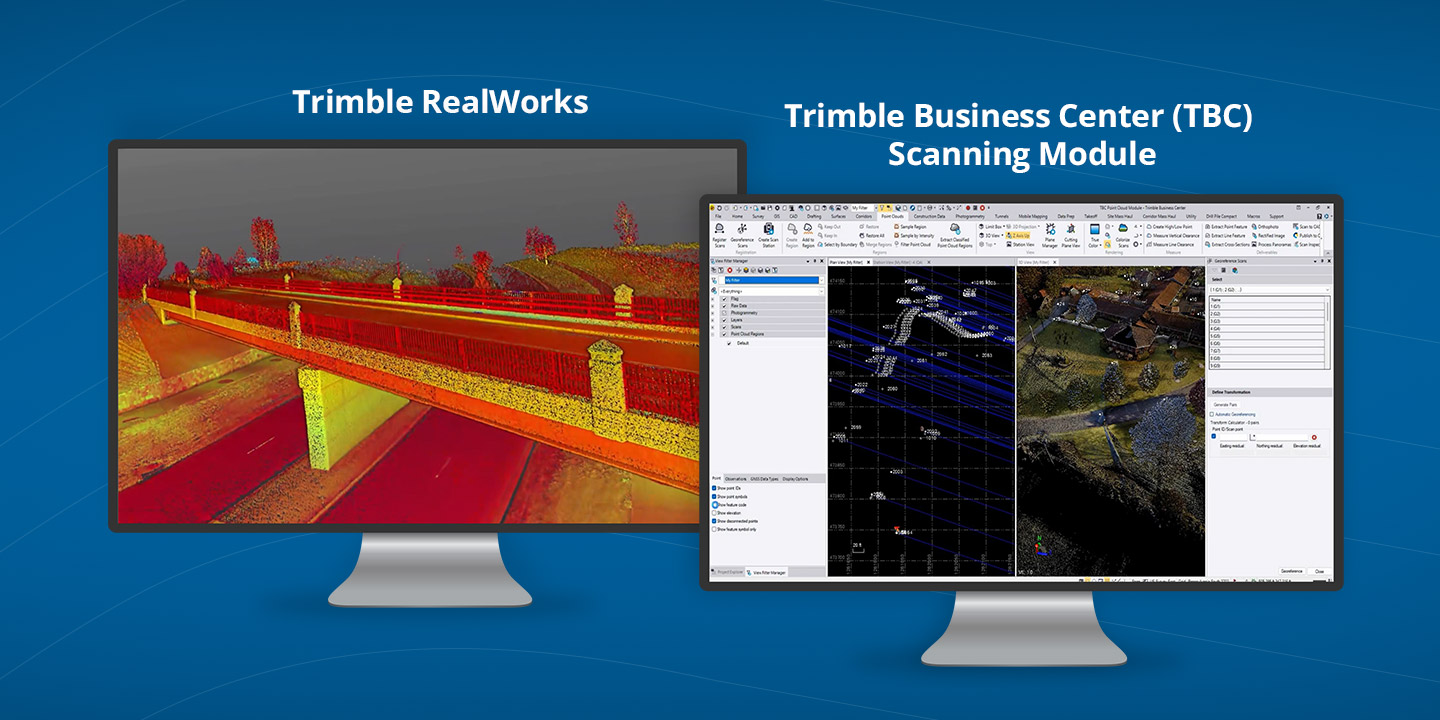
Trimble RealWorks vs. TBC Scanning Module: Which One is Best to Power Your Point Clouds?

Trimble RealWorks vs. TBC Scanning Module: Which One is Best to Power Your Point Clouds?

Compare Trimble RealWorks vs. TBC Scanning Module to pick the best 3D scanning software for your workflow. Clear insights to guide your choice.

Read More
How TruViewGO Handheld Scanners Are Transforming Reality Capture in 2025

How TruViewGO Handheld Scanners Are Transforming Reality Capture in 2025

Discover how TruViewGO's handheld scanners are helping professionals capture detailed 3D data faster, easier, and in previously inaccessible...

Read More
Rent or Buy a 3D Scanner? Make an Informed Choice in 2025

Rent or Buy a 3D Scanner? Make an Informed Choice in 2025

Should I Rent or Buy a 3D Scanner? Get answers to all your questions and use data to determine if you should invest in purchase or rent for your...

Read More
Trimble Connect: Your Top Questions Answered by the Experts

Trimble Connect: Your Top Questions Answered by the Experts

Learn how to get more from Trimble Connect. AllTerra’s experts answer top surveyor questions on file syncing, permissions, integrations, ROI, and...

Read More
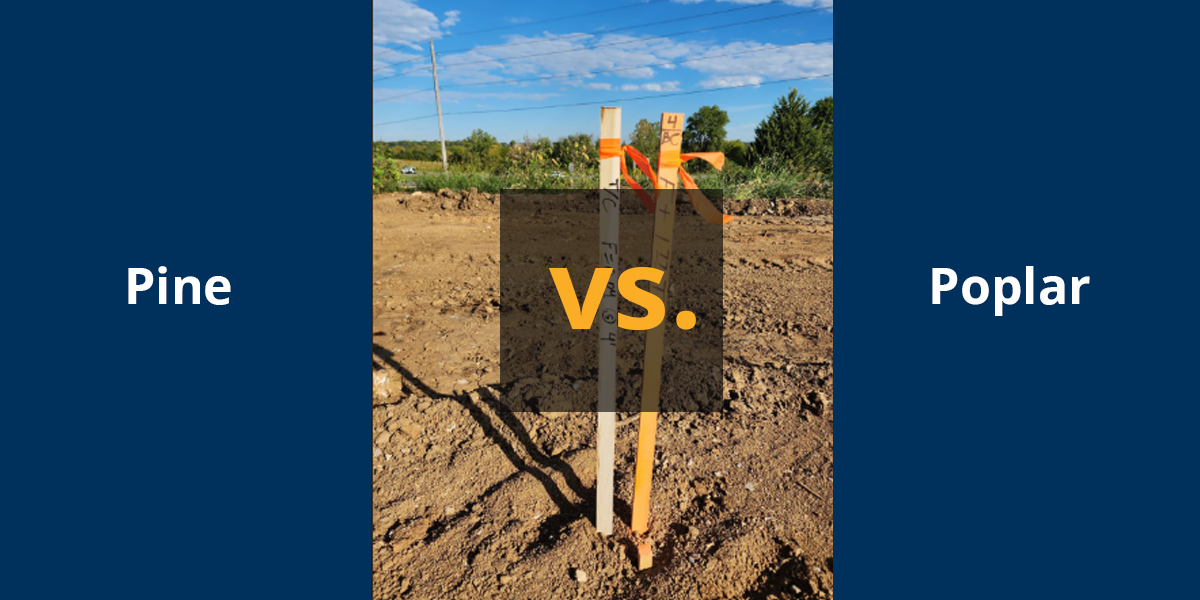
The Ultimate Guide to Survey Stakes: Poplar vs. Pine

The Ultimate Guide to Survey Stakes: Poplar vs. Pine

Find out which wood stakes are better for land surveying, pine or poplar lath.

Read More
How R980 IBSS Users Are Crushing Projects Others Can't Even Touch

How R980 IBSS Users Are Crushing Projects Others Can't Even Touch

Break free from radio limitations with Trimble R980's IBSS. Stream RTK corrections anywhere with internet access while maintaining cm-level accuracy

Read More
Get Supplies Delivered – Fast, Local, Reliable

Get Supplies Delivered – Fast, Local, Reliable

Save time and money with fast, local delivery of survey and construction supplies from AllTerra Central—serving TX, OK, NM, and AZ.

Read More